


Hey there! As a supplier of air conditioning units, I know how important it is to have control over the temperature, especially when you're not at home or in the office. In this blog post, I'll share some tips on how to control the temperature of an air conditioning unit remotely.
Why Remote Temperature Control?
First off, let's talk about why remote temperature control is such a big deal. Imagine coming home on a scorching summer day to a sweltering house. With remote temperature control, you can turn on your air conditioning unit before you even leave the office. This means you'll step into a cool and comfortable environment as soon as you open the door.
It's also great for energy efficiency. You can adjust the temperature based on your schedule. If you're going to be out for a few hours, you can set the temperature higher to save on energy costs. Then, when you're on your way back, you can lower it again so you're greeted with a comfortable space.
Ways to Control Your AC Unit Remotely
Smart Thermostats
One of the most popular ways to control your air conditioning unit remotely is through a smart thermostat. These devices are pretty amazing. They connect to your home Wi - Fi network and allow you to control the temperature using your smartphone or other smart devices.
Most smart thermostats come with an app that you can download. Once you've set up the app and connected it to your thermostat, you're good to go. You can adjust the temperature, set schedules, and even get energy usage reports. Some smart thermostats, like the Nest Learning Thermostat, can even learn your temperature preferences over time and adjust the settings automatically.
Smart Plugs
Another option is to use a smart plug. These are simple devices that you plug your air conditioning unit into. The smart plug then connects to your Wi - Fi network, and you can control the power to the unit through an app on your phone.
It's not as precise as a smart thermostat because you're basically just turning the unit on and off. But it can still be useful if you want to start the unit before you get home. And they're usually more affordable than smart thermostats.
Manufacturer - Specific Apps
Many air conditioning unit manufacturers now offer their own apps for remote control. If you have a [specific brand] air conditioning unit, check if the manufacturer has an app. These apps are designed to work specifically with their products and may offer features like temperature control, mode selection (e.g., cool, dry, fan), and even diagnostic functions.
Setting Up Remote Control
For Smart Thermostats
Setting up a smart thermostat is usually a multi - step process. First, you need to install the thermostat on your wall, following the manufacturer's instructions. This may involve some basic electrical work, so if you're not comfortable with that, it's best to hire a professional.
Once the thermostat is installed, you'll need to connect it to your home Wi - Fi network. Usually, you'll do this through the app. You'll enter your Wi - Fi password, and the thermostat will connect. After that, you can start customizing the settings, like setting your preferred temperature and creating schedules.
For Smart Plugs
Setting up a smart plug is much simpler. Just plug the smart plug into an electrical outlet and then plug your air conditioning unit into the smart plug. Download the app for the smart plug, follow the instructions to connect it to your Wi - Fi network, and you're ready to control the power to your AC unit.
For Manufacturer - Specific Apps
If you're using a manufacturer - specific app, you'll need to download it from the app store. Then, you'll typically need to register your air conditioning unit by entering its serial number or other identifying information. Once registered, you can start using the app to control your unit.
Our Product Range
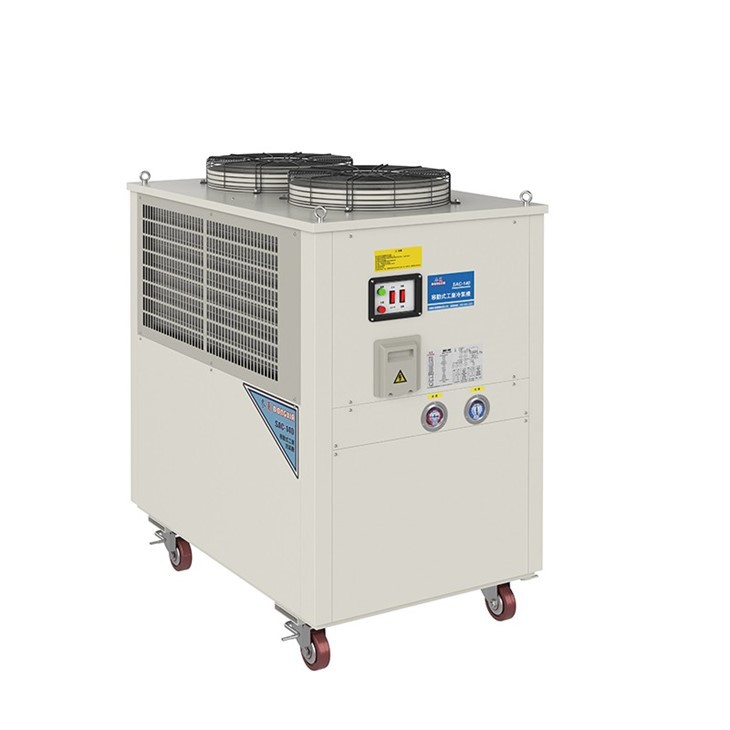
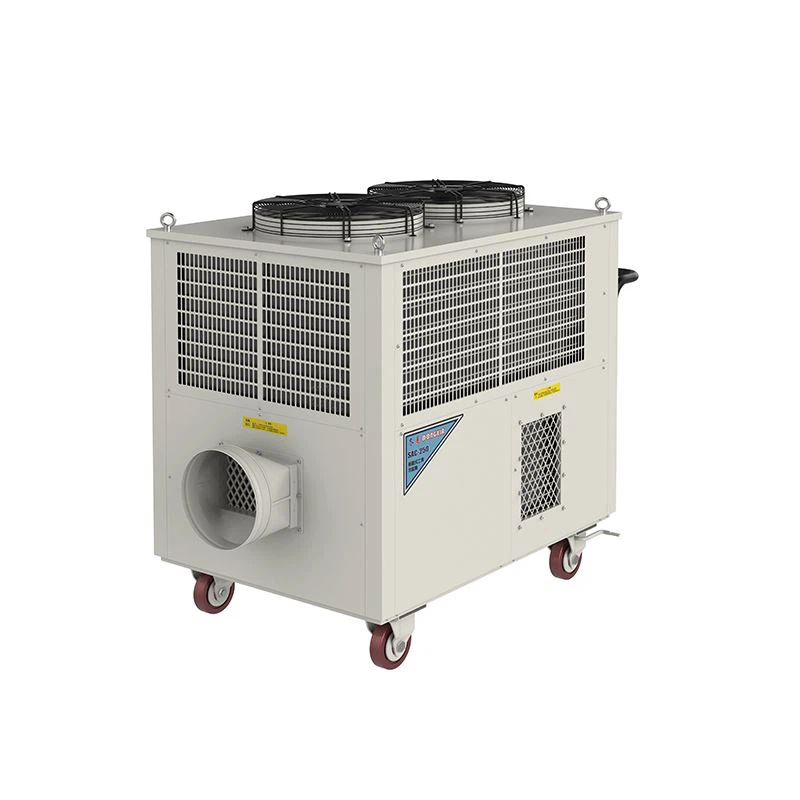
We offer a wide range of air conditioning units, including Portable Air Conditioning Units and Outdoor Air Conditioning Units. Our portable units are great for small spaces like bedrooms or offices, and they're easy to move around. Our outdoor units are designed to handle the elements and provide reliable cooling for larger areas.
All of our units are compatible with many of the remote - control options I've mentioned. Whether you choose a smart thermostat, a smart plug, or use our manufacturer - specific app, you'll be able to enjoy the convenience of remote temperature control.
Troubleshooting
Sometimes, things don't go as smoothly as we'd like. Here are some common issues you might encounter when trying to control your air conditioning unit remotely and how to fix them.
Wi - Fi Connectivity Issues
If your smart thermostat, smart plug, or the air conditioning unit itself is having trouble connecting to your Wi - Fi network, first check if your Wi - Fi is working properly. Try connecting other devices to the network. If it's a problem with the device, you may need to reset it and try the connection process again.
App Not Working
If the app isn't working, make sure you have the latest version installed. Sometimes, app updates fix bugs and improve performance. If the problem persists, try uninstalling and reinstalling the app.
Compatibility Issues
If you're having trouble getting a remote - control device to work with your air conditioning unit, double - check the compatibility. Some devices may only work with certain models or brands of air conditioners. If it's not compatible, you may need to look for an alternative solution.
Conclusion
Controlling the temperature of your air conditioning unit remotely is a game - changer. It offers convenience, energy savings, and a more comfortable living or working environment. Whether you choose a smart thermostat, a smart plug, or a manufacturer - specific app, there are plenty of options available.
If you're in the market for a new air conditioning unit or want to upgrade your existing one to enable remote control, we're here to help. We have a great selection of high - quality air conditioning units that are compatible with various remote - control methods.
Contact us today to start a conversation about your air conditioning needs. We're always happy to answer your questions and help you find the perfect solution for your space.
References
- Smart Home Technology for Dummies, by Dan Gookin
- HVAC Systems Handbook, various authors


